CR Insights / Real Estate Intelligence / 07 min read
Why Real Estate Developers Use Architectural Visualization Before Breaking Ground.
By JP Hincapie
Principal, CR DIGITALTECH STUDIO
September 2026
Architectural visualization is no longer the final image at the end of design. It is a working tool for decisions, alignment, marketing and pre-sales—months before a project exists.
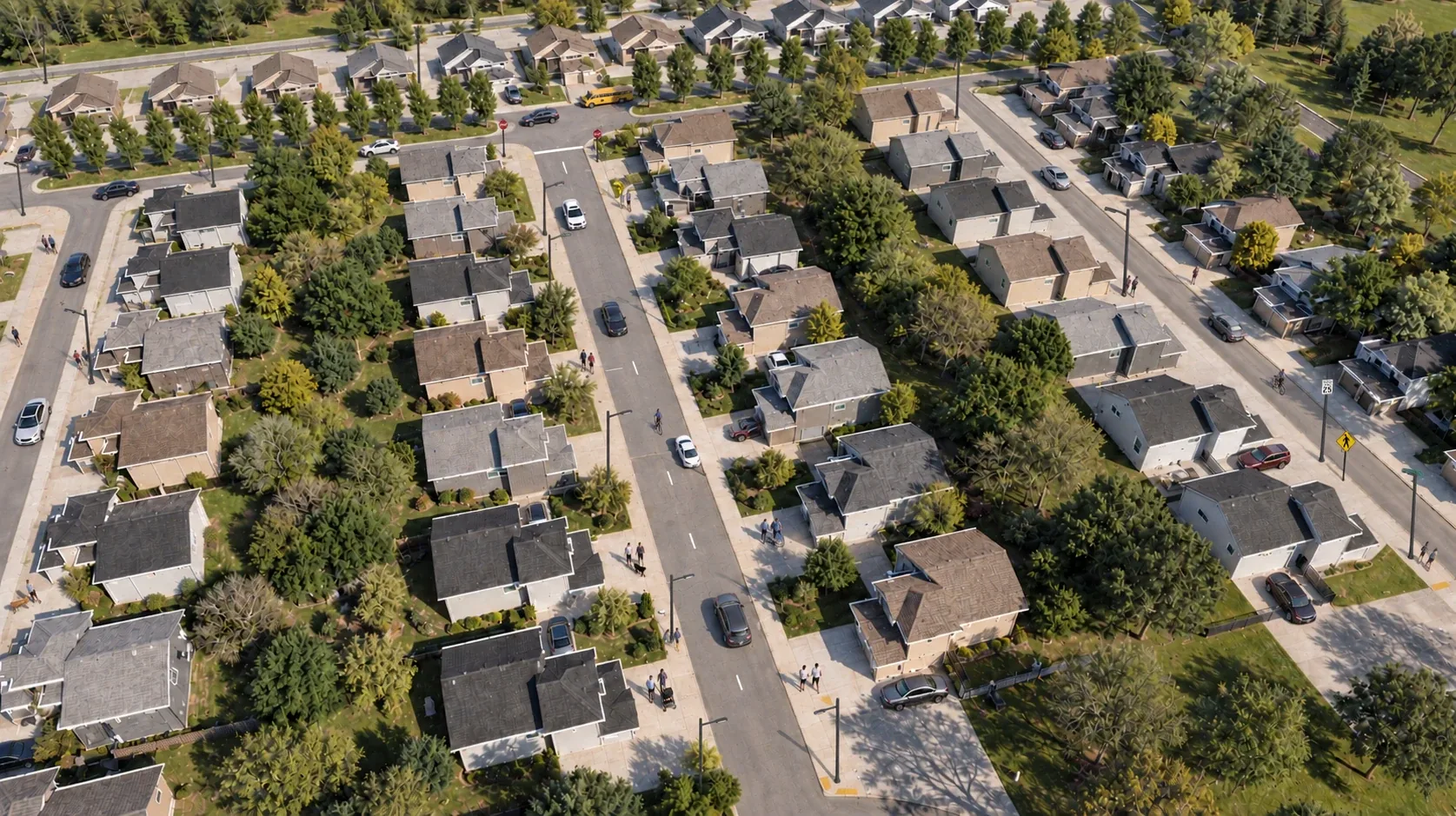
A development begins as information: plans, schedules, specifications, budgets and a vision shared across dozens of people. The problem is that not everyone reads that information the same way.
For developers, that gap is expensive. A design may be technically resolved while still being difficult for investors, municipal reviewers, sales teams or future buyers to understand. Architectural visualization closes that gap by turning technical intent into an experience people can see, discuss and act on.
Used early, visualization does more than make a project look attractive. It becomes part of the development process itself.
Seeing the project changes the conversation.
Drawings describe a building. Visualization reveals how it may feel: the arrival sequence, the scale of a lobby, the relationship between a residence and its view, the atmosphere of a shared space.
That clarity helps development teams test the commercial promise against the design. Is the entrance memorable enough? Does the amenity space support the positioning? Will buyers understand the value of the plan? These questions become easier to answer when the future is visible.
“The first audience for a rendering is not always the buyer. Often, it is the team making the project better.”
One visual language for many disciplines.
Real estate development brings together ownership, architecture, interiors, landscape, engineering, construction, branding and sales. Each group works with a different set of priorities. A strong visualization creates a common reference point.
When a change is proposed, the team can evaluate its visual and experiential effect—not only its line item. This does not replace the drawings or the model. It connects them to the decisions that shape the final product.

Launch the story before the site is ready.
Developers cannot wait for completed construction to begin creating demand. Investors need confidence. Brokers need material. Buyers need something more immediate than plans and finish schedules.
High-quality renderings, animation, aerial integration, virtual tours and interactive presentations allow a project to enter the market while construction is still ahead. The same visual foundation can support a website, campaign, sales gallery, presentation, social content and broker package.
What changes commercially
The project is no longer presented as a collection of future deliverables. It is presented as a coherent place—with a recognizable identity, atmosphere and value proposition.
Find friction while change is still possible.
A visualization review can expose issues that remain abstract in two-dimensional documentation: sightlines, proportions, finish transitions, furniture clearances, landscape coverage, façade rhythm and the sequence through a space.
Not every discovery is a technical clash. Some are experiential conflicts—moments where the intended promise and the designed result do not fully agree. Identifying them before procurement or construction gives the team more room to respond.

Do not commission images. Build a visual system.
The most effective approach begins by deciding what the project must communicate and to whom. An investor presentation, a planning review and a buyer campaign may use the same model, but they do not require the same story.
A visual strategy establishes the essential views, the moments that differentiate the project, the formats each channel requires and the sequence in which assets should be produced. This creates consistency and makes every new deliverable more useful.
At CR, we connect architectural understanding, visualization, BIM, immersive technology and real estate marketing. The goal is not simply to show what a development looks like. It is to help teams understand it, improve it and take it to market with confidence.
Before a project can be built, it has to be understood. Before it can be sold, it has to be felt.
From concept to closing
Planning a development?
Show us what you are building. We will help you define the right visual strategy for design communication, marketing and pre-sales.
Discuss your project ↗